Docker Services: Portainer, Homarr & MySpeed
Preparing the Inspiron as a dedicated Docker host on Ubuntu, and deploying Portainer, Homarr, and MySpeed.

Overview
The Pavilion handles all core infrastructure: Proxmox, Pi-hole, NPM, and Wazuh. The Inspiron was brought online as a second node dedicated exclusively to Docker workloads, keeping containerized services off the primary host and preserving pavilion’s resources for heavier VM workloads.
This post covers preparing the Inspiron as a Docker host and deploying three services: Portainer for container management, Homarr as a dashboard, and MySpeed for network performance tracking.
Docker Host : inspiron
The Dell Inspiron 3505 was repurposed from a personal laptop to a dedicated server. The decision to run Ubuntu Server directly (rather than Proxmox) was intentional: Since I was gaining hypervisor experience through pavilion, I just decided to try something new with a Docker stack.
Hardware
| Spec | Value |
|---|---|
| CPU | AMD Ryzen 5 3450U (4c/8t) |
| RAM | 12 GB DDR4 |
| Storage | 256 GB NVMe + 1 TB HDD |
| OS | Ubuntu Server 24.04.4 LTS |
| VLAN | 20 — Lab Network |
| Network | USB Gigabit adapter (primary) |
The built-in ethernet port is limited to 100 Mbps, a bottleneck for the servers network traffic. A USB 3.0 Gigabit adapter was configured as the primary network interface.
Post-Install Hardening
Several configurations were applied before deploying any services:
Timezone:
1
timedatectl set-timezone America/New_York
Disable root SSH login (/etc/ssh/sshd_config):
1
PermitRootLogin no
Enable UFW with SSH allowed:
1
2
ufw allow ssh
ufw enable
Disable lid-close sleep: critical for running a laptop as a headless server. Without this change, the machine suspends the moment the lid closes and becomes unreachable:
Edit /etc/systemd/logind.conf:
1
2
3
HandleLidSwitch=ignore
HandleLidSwitchExternalPower=ignore
HandleLidSwitchDocked=ignore
1
systemctl restart systemd-logind
Install Docker and configure user access:
1
usermod -aG docker jamcre
SSH access from citadel:
1
ssh [email protected]
Portainer: Container UI
Portainer provides a web-based management interface for Docker. Rather than managing containers entirely through CLI, it offers a dashboard for viewing running containers, pulling images, inspecting logs, and managing volumes and networks.
Deployment
1
2
3
4
5
6
7
docker run -d \
  --name portainer \
  --restart=always \
  -p 9443:9443 \
  -v /var/run/docker.sock:/var/run/docker.sock \
  -v portainer_data:/data \
  portainer/portainer-ce:latest
Portainer listens on port 9443 over HTTPS using its own self-signed certificate. NPM proxies it at https://portainer.jamcre.dev with proxy_ssl_verify off (same approach used for Wazuh — the backend cert cannot be verified by NPM, but the client connection uses the trusted wildcard certificate).
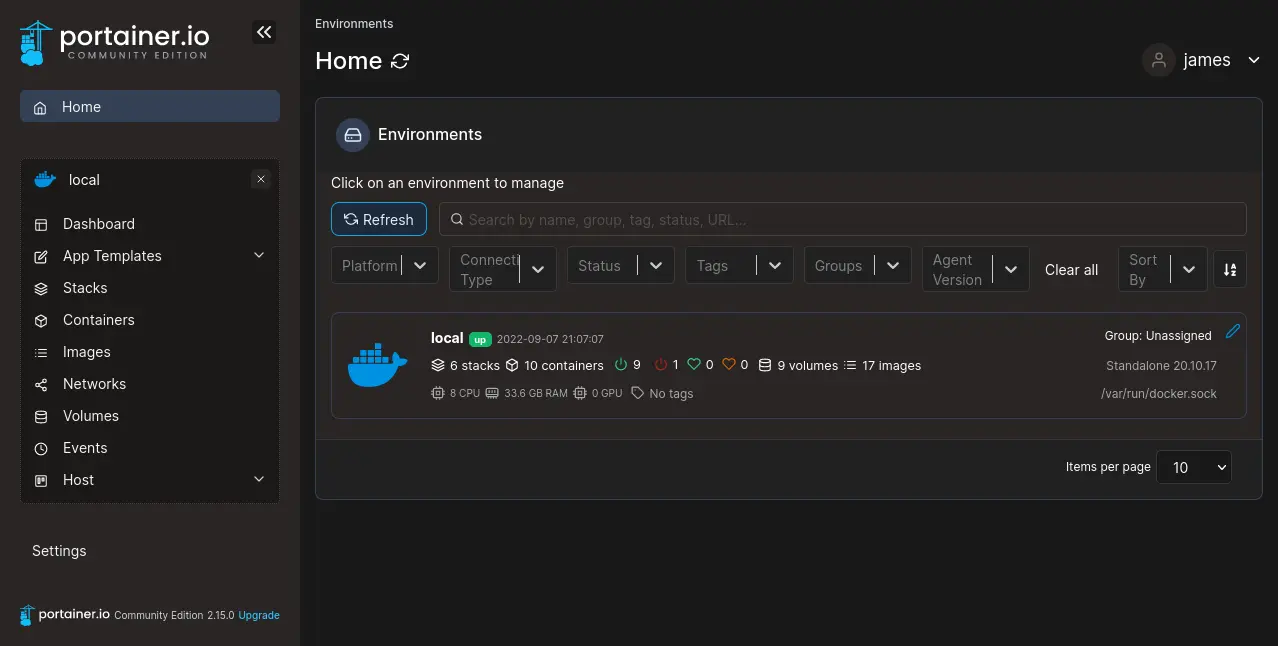 Portainer dashboard from official documentation site
Homarr: Dashboard
Homarr provides a single-pane view of all lab services, replacing the need to bookmark individual IP/port combinations and domains with an organized grid of service tiles and live status indicators.
Deployment
Homarr was installed on pavilion as an LXC container using the Proxmox VE Helper Scripts, then accessed via NPM at https://homarr.jamcre.dev.
Integrations
Two live integrations were configured:
| Integration | Connection Method | Data Provided |
|---|---|---|
| Pi-hole | API token (generated in Pi-hole admin → Settings → API) | Live query statistics |
| Proxmox | API token with PVEAuditor role | Node resource usage |
Proxmox integration requirement: Homarr must connect via
https://proxmox.jamcre.dev(through NPM) rather than directly tohttps://192.168.20.XX:8006. Direct connection fails because Proxmox serves a self-signed certificate that Homarr cannot verify. Routing through NPM resolves this with the trusted wildcard certificate.
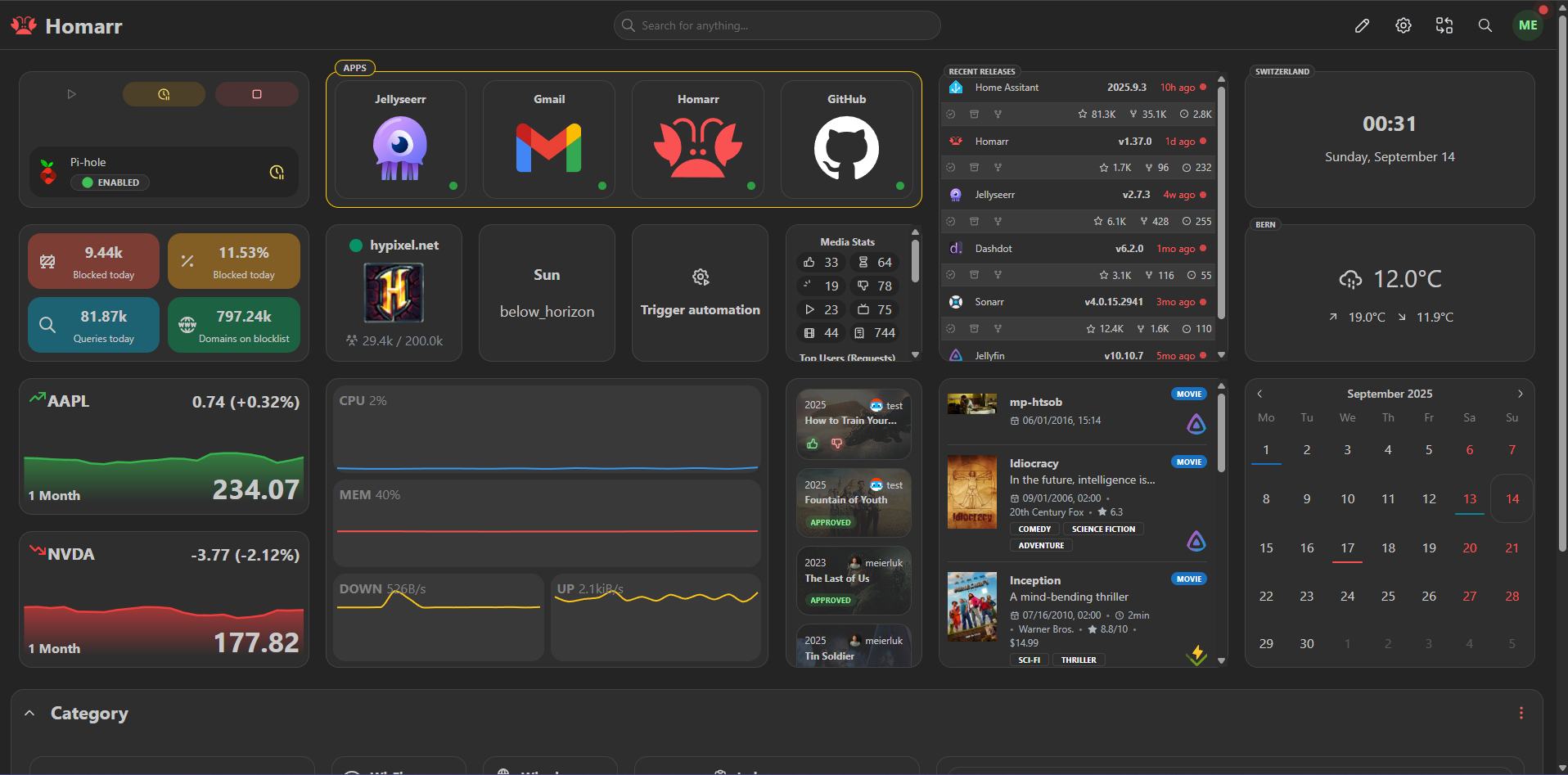 Homarr dashboard from official documentation site
MySpeed: Network Speed
MySpeed is a self-hosted speed testing tool that runs automated tests on a schedule and maintains a historical record of results. It provides long-term ISP performance visibility rather than point-in-time snapshots from web-based speed test sites.
Deployment
Deployed as an LXC container on pavilion using the Proxmox VE Helper Scripts, accessible via NPM at https://myspeed.jamcre.dev.
No configuration beyond defaults was required. Once deployed and proxied, it begins running scheduled tests and logging results to an internal database automatically.
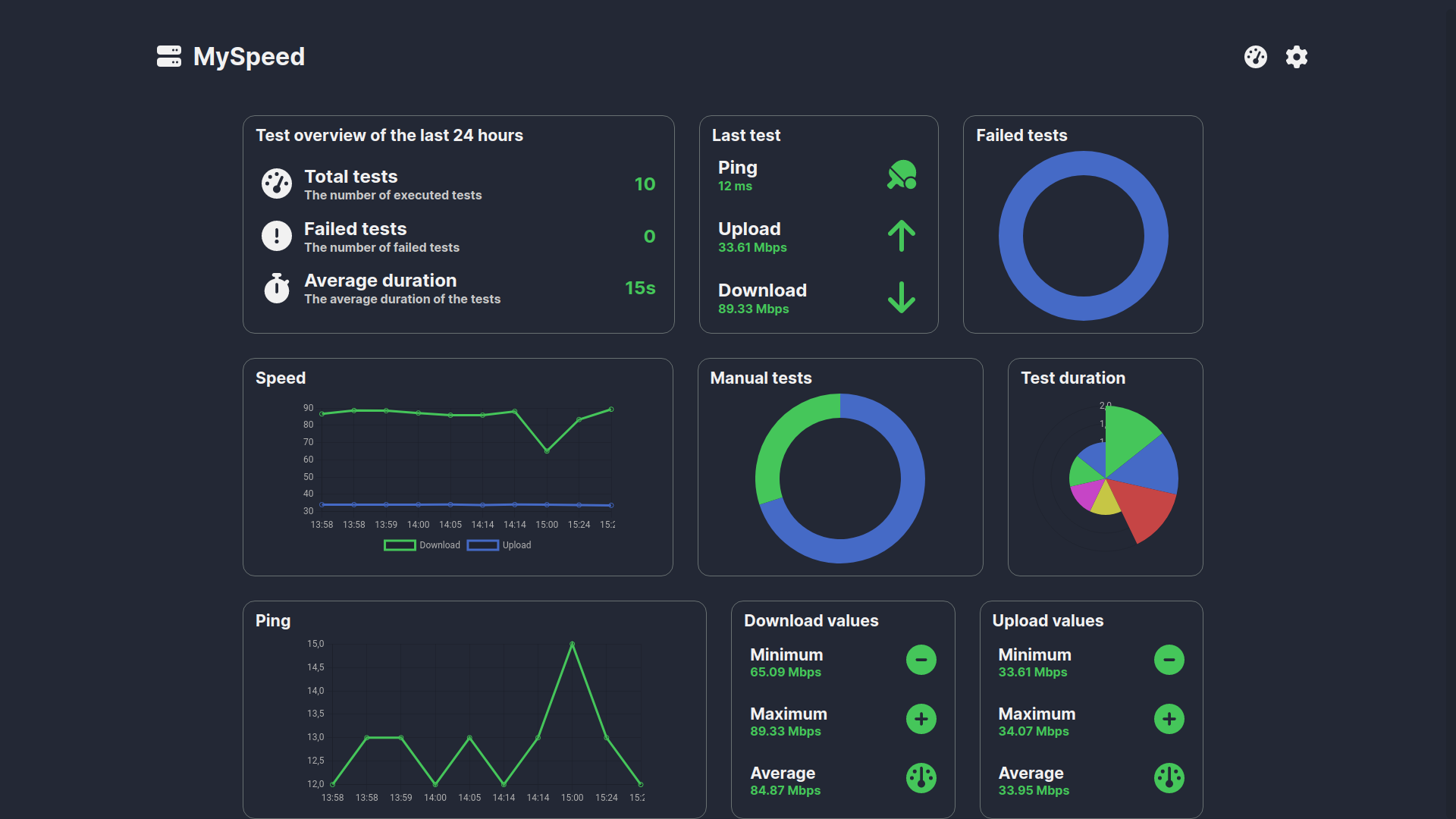 MySpeed dashboard displaying historical speed test results over time
V2: Complete Architecture Summary
With the secondary node online and the service layer deployed, V2 reached full operational status:
| Layer | Components |
|---|---|
| Network | Three-VLAN architecture with enforced trust boundaries |
| Virtualization | Proxmox hosting all core infrastructure workloads |
| DNS | Pi-hole with cross-VLAN resolution and local hostname records |
| SSL/Routing | Nginx Proxy Manager with wildcard certificate, HTTPS for all services |
| Security | Wazuh SIEM with agents on all four machines + custom detection rules |
| Detection | Rules covering SSH brute force, Windows logon spikes, and privilege escalation |
| Services | Portainer, Homarr, and MySpeed on the dedicated Docker host |
What’s Next
V2 ran as the production lab environment until a hardware upgrade made a fresh V3 build the better path forward. The screenshots in this post for Portainer, Homarr, and MySpeed come from their official documentation, since the pavilion, my primary V2 host, was decommissioned.
Its SSD now lives in a newly acquired OptiPlex Micro 7060, which will become the new primary node, thanks to its smaller footprint and better performance. With that shift, the inspiron no longer serves as the Docker host and may be repurposed as a Linux daily‑driver laptop.