Deployment: GitHub Pages, Cloudflare Domains & PairDrop
Deploying PairDrop for local file transfer, launching on GitHub Pages, and migrating from jamcre.github.io to jamcre.dev behind Cloudflare.

Overview
Two things happened after optiplex went live. I added a utility service to streamline the blog post creation. Then the site itself, which I’ve been populating with posts in private, finally has enough content to go public. This post covers both: the PairDrop deployment and the full process of launching the site on GitHub Pages with a custom domain behind Cloudflare.
PairDrop: Local File Transfer
When documenting hardware I faced a recurring issue: getting pictures taken by my iPhone onto my Windows workstation was VERY annoying. During my time in college I mostly worked on my Macbook so AirDrop handled Apple-to-Apple transfers natively; However, this wouldn’t work for me now that I primarily worked on my Windows Desktop.
PairDrop remedied this issue. It’s a self-hosted, browser-based file transfer tool that works across any device on the same network. Just open the URL on both devices and transfer directly.
It was deployed as an LXC container on optiplex using the Proxmox VE community helper scripts and made accessible through NPM at https://pairdrop.jamcre.dev.
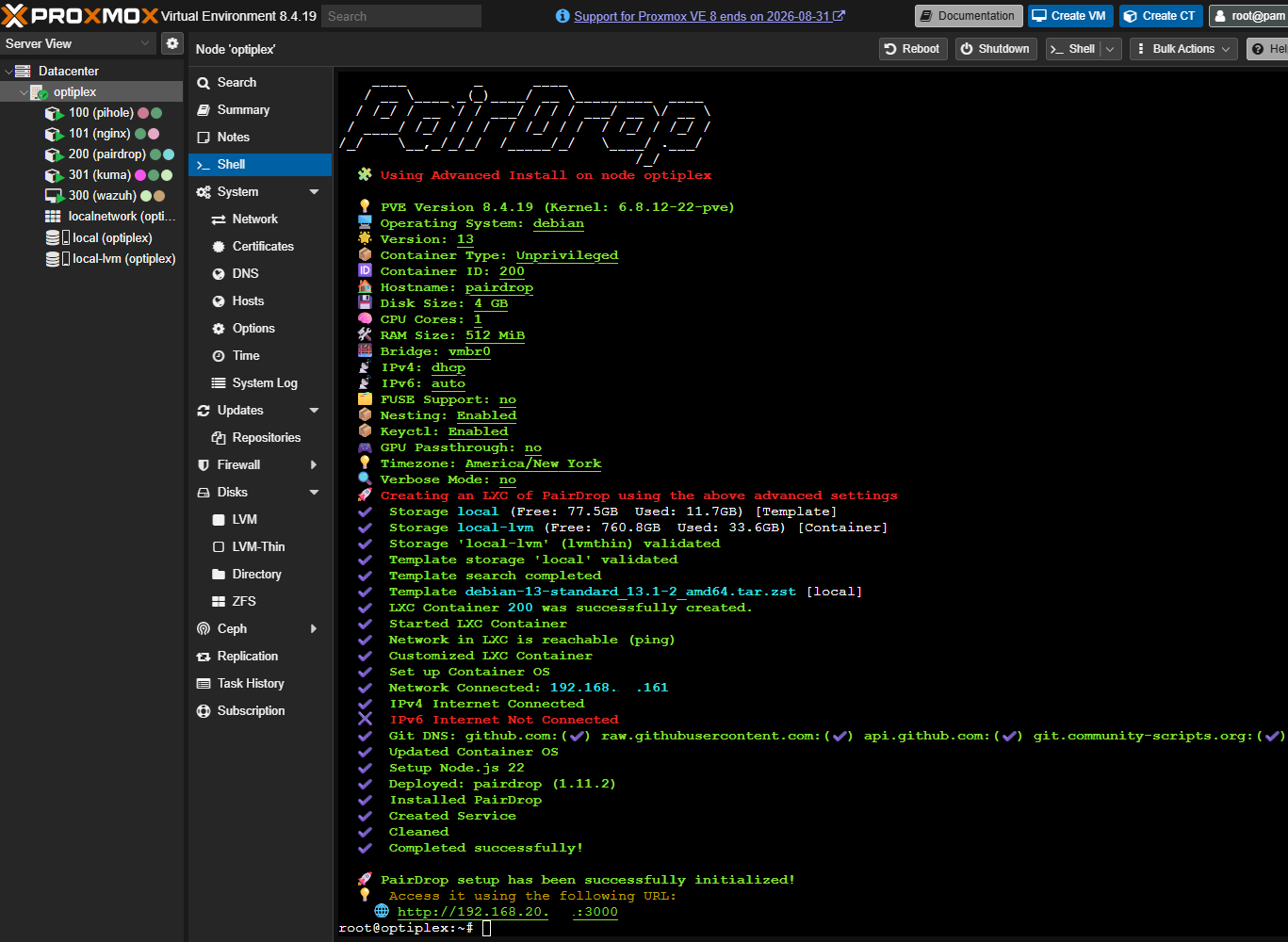 PairDrop LXC container installing in the Proxmox shell
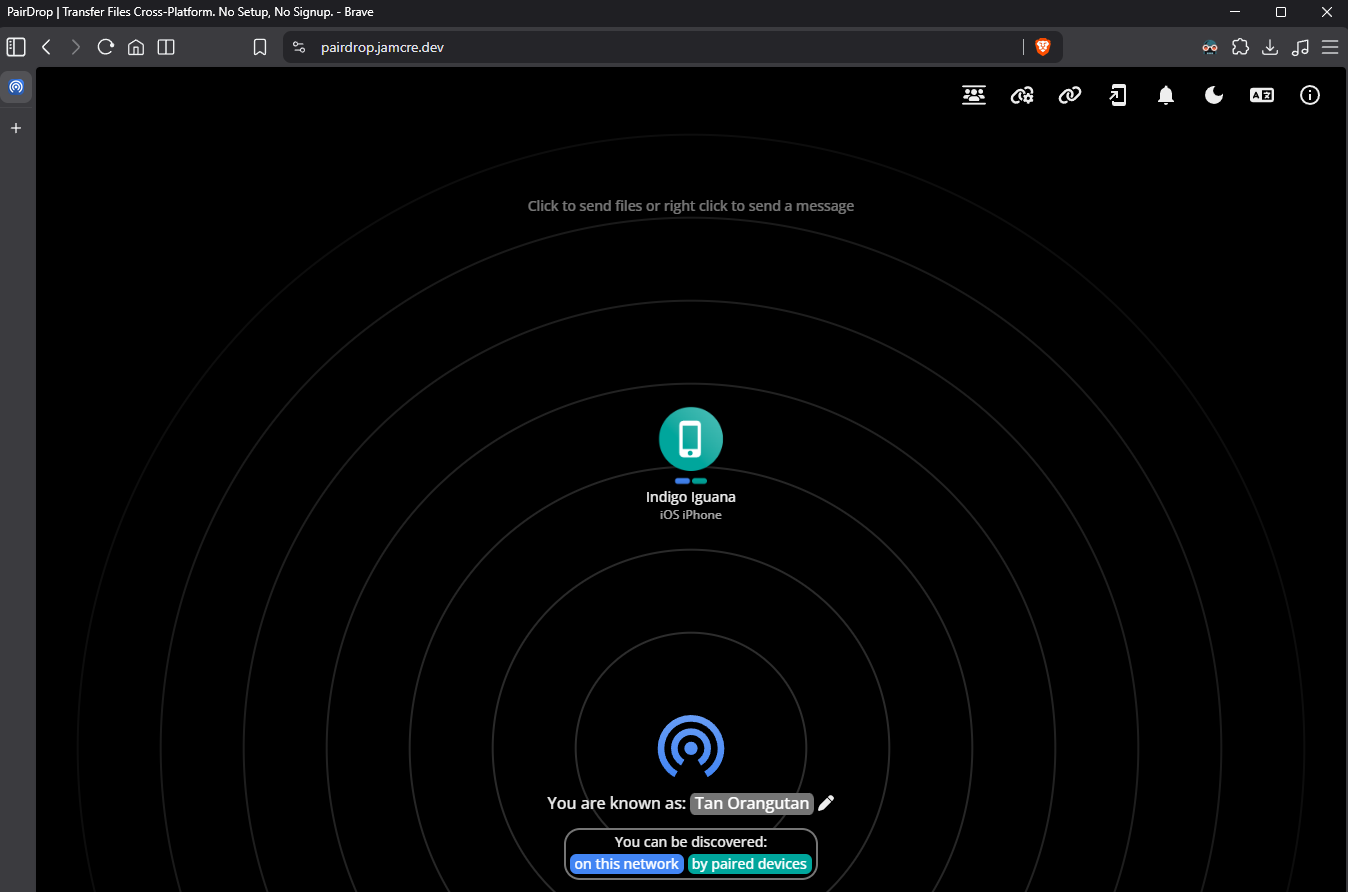 PairDrop web UI — both devices visible and ready to transfer
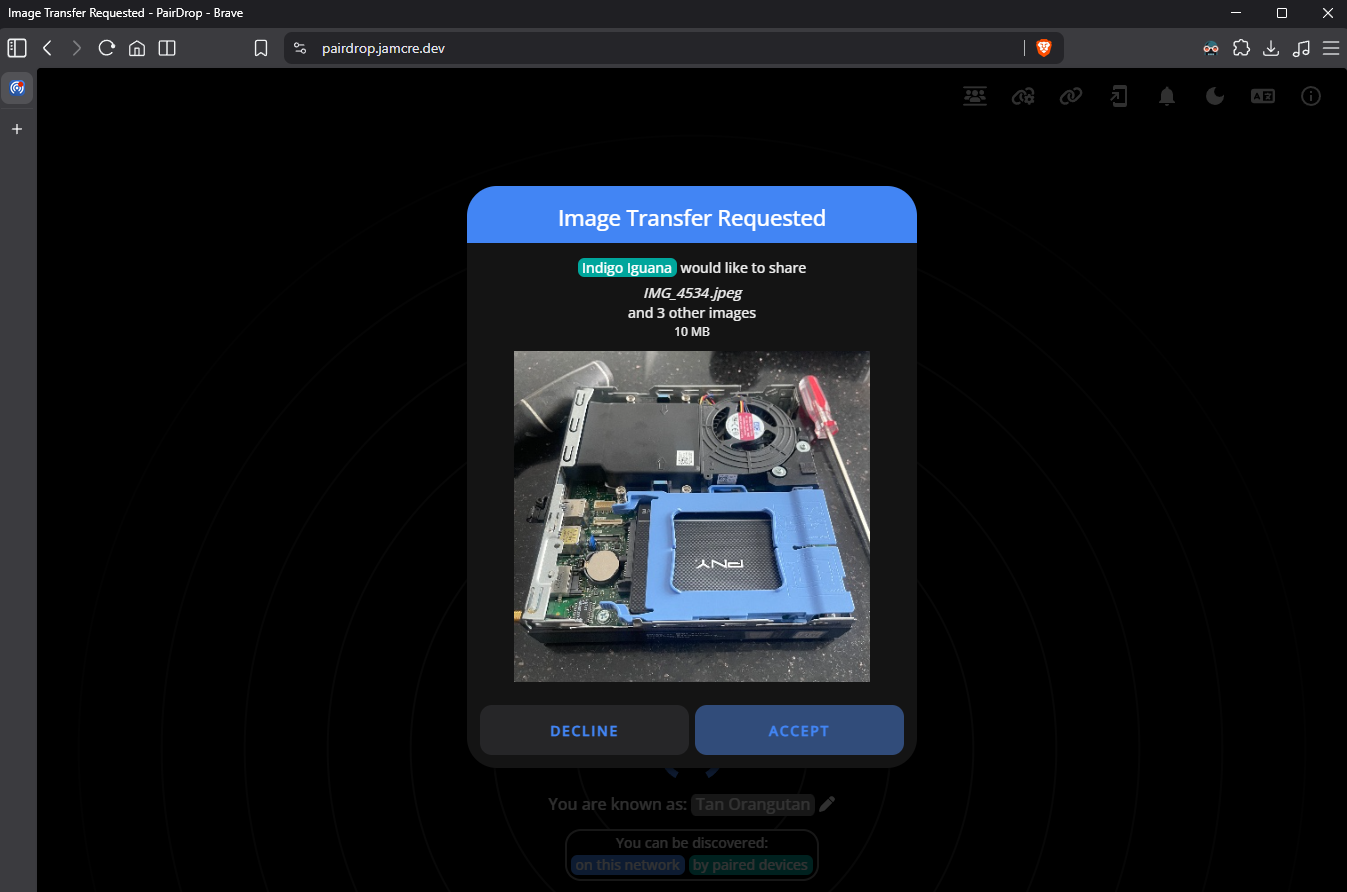 Successful file deliveries to the workstation
The immediate use case was transferring the hardware photos from the V3-1 post. It worked on the first attempt with no configuration beyond the DNS record and proxy host.
Deploying the Site: GitHub Pages & Chirpy
The site has been running locally throughout V2 and V3. With enough posts published to represent the project meaningfully, I felt comfortable making it public.
Chirpy’s getting-started guide covers the deployment process in detail. In short: Chirpy ships with a GitHub Actions workflow that builds and publishes the site automatically on every push to the main branch. Enabling GitHub Pages on the repository and pointing it at the gh-pages branch is all that is required to activate it.
The default result was the site live at jamcre.github.io. That served as the staging point before the domain migration.
Domain Migration: jamcre.github.io → jamcre.dev
The jamcre.dev domain was already in use for internal lab services through NPM. So using it for the public site made sense.
The migration involved the following steps:
1. CNAME File
A CNAME file was added to the repository root containing the custom domain:
1
jamcre.dev
Committing this file triggers a GitHub Actions rebuild automatically. GitHub recognizes the file and begins expecting DNS to resolve the domain to its servers.
2. _config.yml Update
Two values were updated to reflect the new URL:
1
2
url: "https://jamcre.dev"
baseurl: ""
This ensures all internal links, tags, and sitemap entries generate against the correct domain rather than the .github.io address.
3. GitHub Pages Custom Domain
In the repository settings under Pages → Custom domain, jamcre.dev was entered. GitHub runs a DNS check at this point. It will not pass until the DNS records are in place.
4. Cloudflare DNS Records
Four A records point the apex domain to GitHub Pages’ IP addresses, and a CNAME maps the www subdomain to the original GitHub Pages hostname. All records are proxied through Cloudflare (orange cloud enabled):
1
2
3
4
5
A      @    185.199.108.153
A      @    185.199.109.153
A      @    185.199.110.153
A      @    185.199.111.153
CNAME  www  jamcre.github.io
Using all four A records is intentional. GitHub Pages is served from multiple edge IPs and recommends pointing to all four for reliability.
5. SSL/TLS Configuration
Two settings were applied in the Cloudflare dashboard:
| Setting | Value |
|---|---|
| SSL/TLS mode | Full (strict) |
| Always Use HTTPS | Enabled |
Full (strict) mode requires a valid certificate on the origin and ensures the entire request path is encrypted end-to-end.
6. SSL 526 Error & Resolution
After enabling the Cloudflare proxy, the site returned an SSL 526 error (invalid SSL certificate on the origin).
The cause: Cloudflare’s proxy was intercepting the request before GitHub’s ACME challenge could complete, preventing Let’s Encrypt from issuing the origin certificate that Full (strict) mode requires.
Fix:
- Set all four A records to DNS-only (grey cloud), bypassing the Cloudflare proxy temporarily
- In the GitHub Pages settings, enable Enforce HTTPS
- Wait for GitHub to complete the Let’s Encrypt certificate issuance
- Re-enable the Cloudflare proxy (orange cloud) on all A records
The 526 error is a sequencing issue. GitHub needs a direct connection to its ACME server to issue the cert. The proxy has to come down first, then go back up after the cert exists.
7. Redirect Verification
With the cert issued and the proxy re-enabled, the original GitHub Pages URL was tested:
1
curl -I http://jamcre.github.io
GitHub returns a 301 to https://jamcre.dev/ automatically. The redirect is permanent and requires no manual configuration — GitHub handles it once a custom domain is set on the repository.
8. Google Search Console
The jamcre.dev property was already verified in Google Search Console via Cloudflare DNS. The sitemap was submitted:
1
https://jamcre.dev/sitemap.xml
Chirpy generates the sitemap automatically as part of its build process.
End State
| Item | Status |
|---|---|
| Public URL | https://jamcre.dev — live |
| CDN | Cloudflare — proxied, HTTPS enforced |
| Hosting | GitHub Pages |
| CI/CD | GitHub Actions — builds on every push |
| Legacy URL | jamcre.github.io — 301 → jamcre.dev |
| Self-hosted infrastructure | Not involved in serving the public site |
The public site runs entirely on GitHub’s infrastructure with Cloudflare in front. optiplex handles nothing related to public traffic… for now.
What’s Next
The lab documentation is public and infrastructure is stable. Both sides of the project are in a state I feel comfortable sharing.
What’s next I’m still deciding at the moment, but will probably elaborate more on the next post.